
Free · no account · no card
4 scenes, drawn by hand while the machine is built
How to turn a PDF into a lesson video
The PDF is not the hard part, and neither is the rendering. The step nobody hands you is the storyboard.
A renderer needs numbered scenes, one narration line per scene, a duration and a drawing. A PDF has none of those. Below is the order to work in, and the tool that does it for you.
Written by TimaLens Storyboard · updated 2 September 2026
The 5 steps, in order
1
Find the teaching order
Read the PDF and list what a learner must understand before the next thing makes sense. Page order is rarely teaching order.
2
Cut it into scenes
One idea per scene. A single lesson is 4 to 12 scenes; more than that is two lessons wearing one title.
3
Write one narration line per scene
Say it out loud and time it. Between 0:12 and 0:20 per scene is normal, so an 8-scene lesson runs about 2:00.
4
Decide what is drawn
Each scene gets a panel and the labels lettered onto it. If a scene cannot be drawn, it is an argument, not a scene.
5
Hand it to a renderer
Scenes, narration and labels are everything a whiteboard renderer needs. TimaLens draws it as a narrated video.
What the file gives you, and what a renderer needs
In the PDF
In the storyboard
- A page of the PDFOne scene, sometimes two
- A paragraphOne narration line, timed in m:ss
- A figure or diagramOne panel, drawn by hand
- A bold termOne label lettered on the panel
- Nothing in the fileThe teaching order, decided first
Storyboard, Scene 2 and Scene 3 of 4
Drawn from a biology lesson
Full storyboard: 4 scenes · 1:02
2
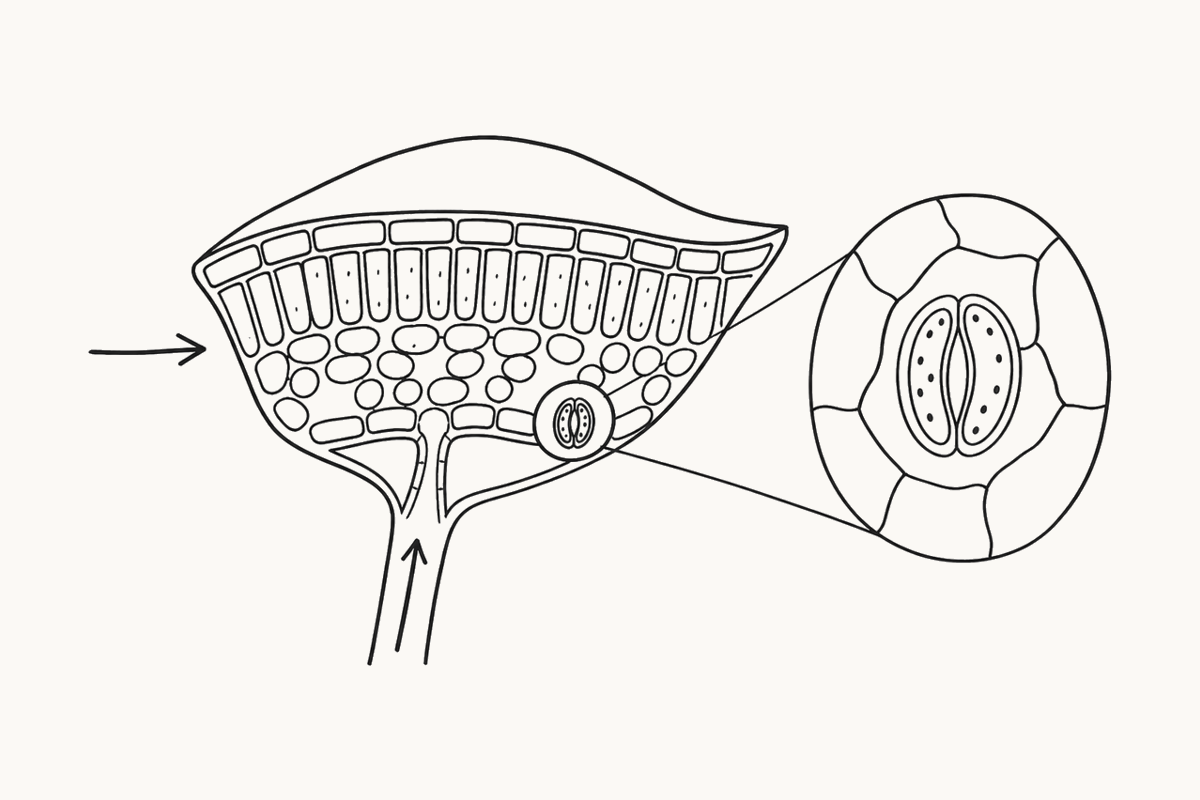
Where the work happens
Zoom into one cell and you find chloroplasts. Water arrives from the roots, and carbon dioxide comes in through pores.
Narration 0:18
ChloroplastWaterCarbon dioxide
3
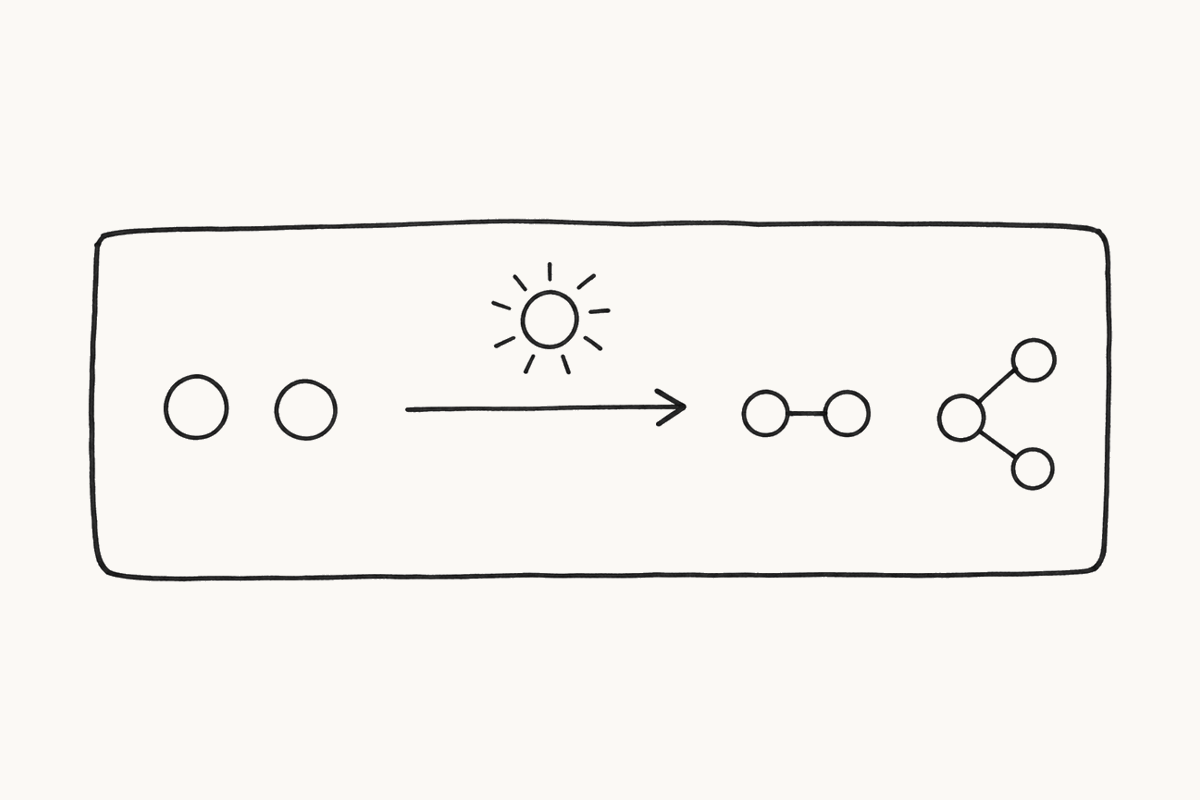
The trade
Using that light, the leaf rearranges 6 water and 6 carbon dioxide molecules into 1 sugar and 6 oxygen.
Narration 0:16
6 CO26 H2OGlucose6 O2
A renderer can work from this. Two lines of text and one drawing per scene is the whole handover.
Storyboard your own lesson
Name the lesson in the PDF you teach from. We send back 4 scenes: narration, labels and a drawn panel each.
Answers
- Can I upload the PDF today?
- Not yet. Today you name the lesson, we draw the scenes by hand, and the file upload opens when the machine does.
- Which files will be read?
- PDF, PPTX, DOCX or plain text up to 20 MB. Pasting the text works just as well and is faster.
- How many scenes should a lesson have?
- 4 scenes for a single idea, 8 for a full lesson, 12 at most. The free storyboard is 4 scenes.
- What does it cost?
- 1 storyboard of up to 4 scenes is free, with no account and no card. A Storyboard Pack is $19 once for 10 storyboards of up to 12 scenes.
- Do you make the video?
- No. We make the storyboard. Send to TimaLens hands it over, and TimaLens renders the narrated whiteboard video.
- How is this different from Doodly or Camtasia?
- Those are editors: you drag every scene onto a canvas yourself. Here the teaching order arrives already decided and the panels arrive drawn.